
A Phone On A Tripod Turns Every Job Into A Time Lapse
Most business owners who say they hate making videos actually hate one specific thing. They hate being on camera. Talking to a lens, remembering what to say, doing it over because they stumbled on the third sentence.
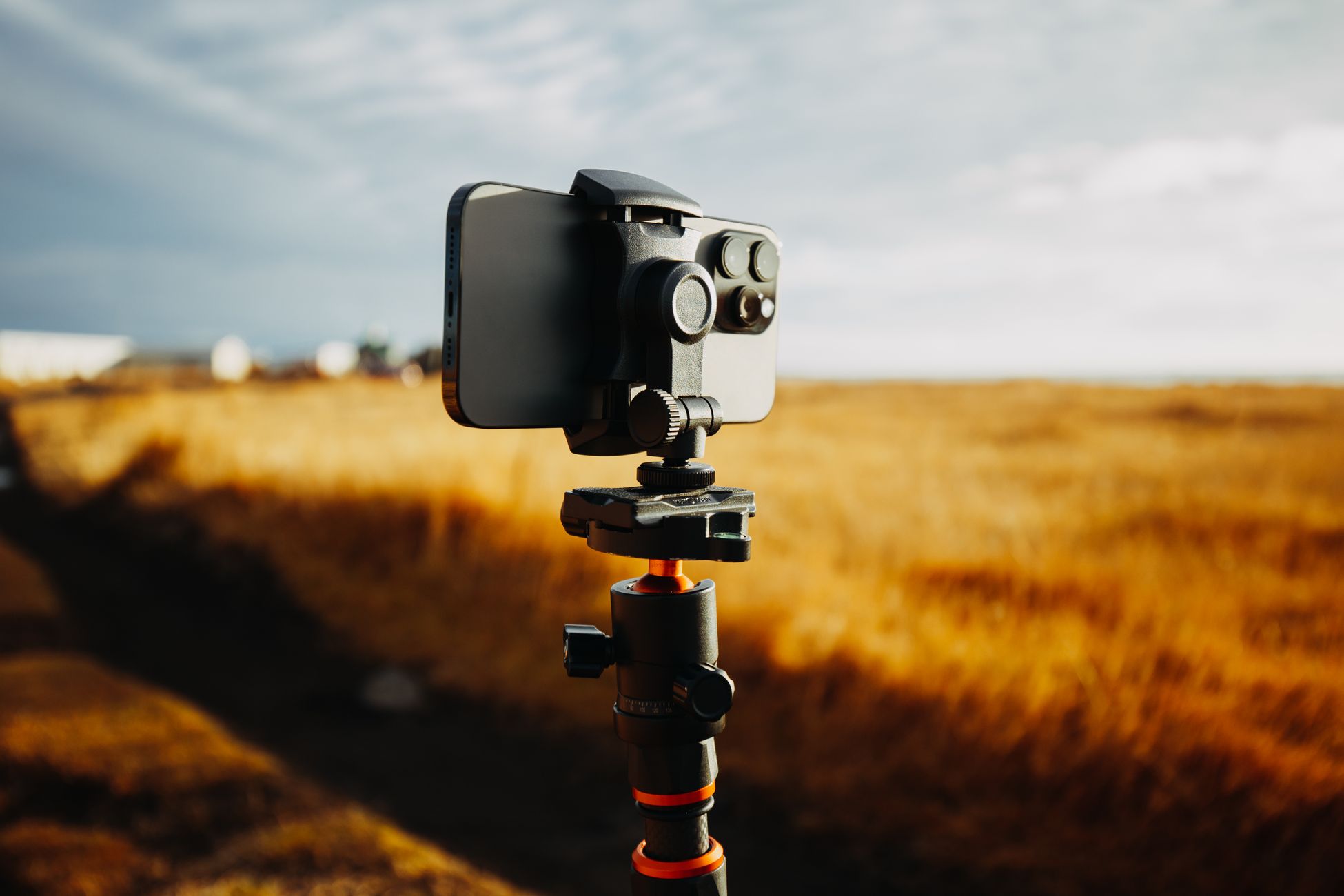
Here is a kind of video that needs none of that. You set your phone on a tripod at the start of the job, hit record, and walk away. Six hours later you have a thirty second video of a whole roof going on, a kitchen getting gutted, or a filthy truck turning spotless, and you never said a word.
A time lapse is the lowest effort, highest payoff video a working business can make. It shows the work, which is the thing customers actually care about, and it takes about two minutes of your attention for the entire day.
Why Time Lapses Hold Attention
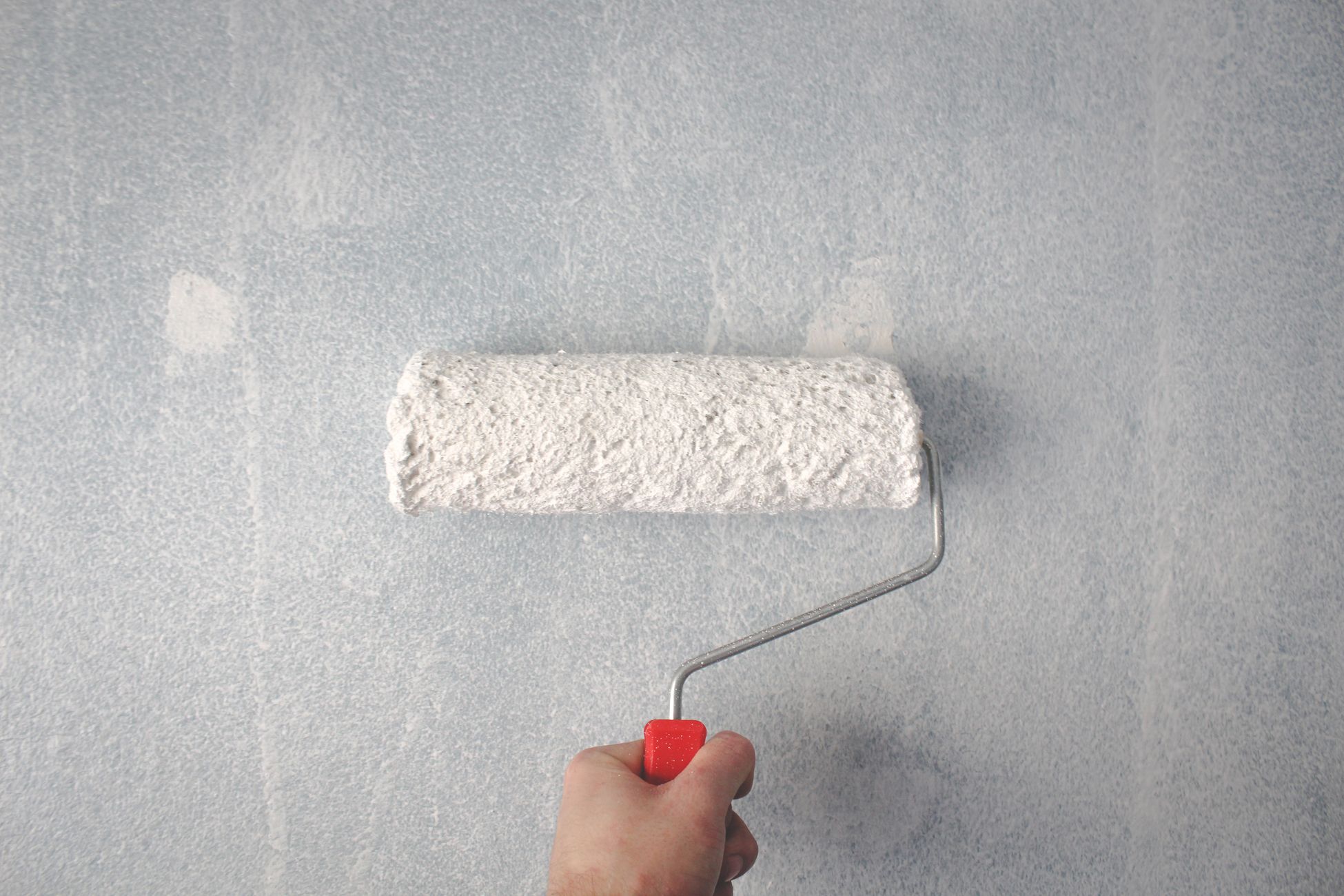
People love watching things change. A messy space getting cleaned, a bare lot getting framed, a blank wall getting painted. The brain wants to see how it ends, so people stay to the last frame.
A time lapse delivers that payoff fast. Hours of work compress into a few seconds of constant motion, and the viewer gets the whole story, the before, the effort, and the after, without waiting for any of it.
That also makes them easy to rewatch. Someone sees a deck get built in twenty seconds and loops it two or three times to catch the details. Rewatches tell every platform the video is worth showing to more people.
It also proves something no testimonial can. You can say your crew works hard and cleans up after itself. A time lapse shows it, every minute, uncut.
You Already Do The Work, You Just Do Not Record It
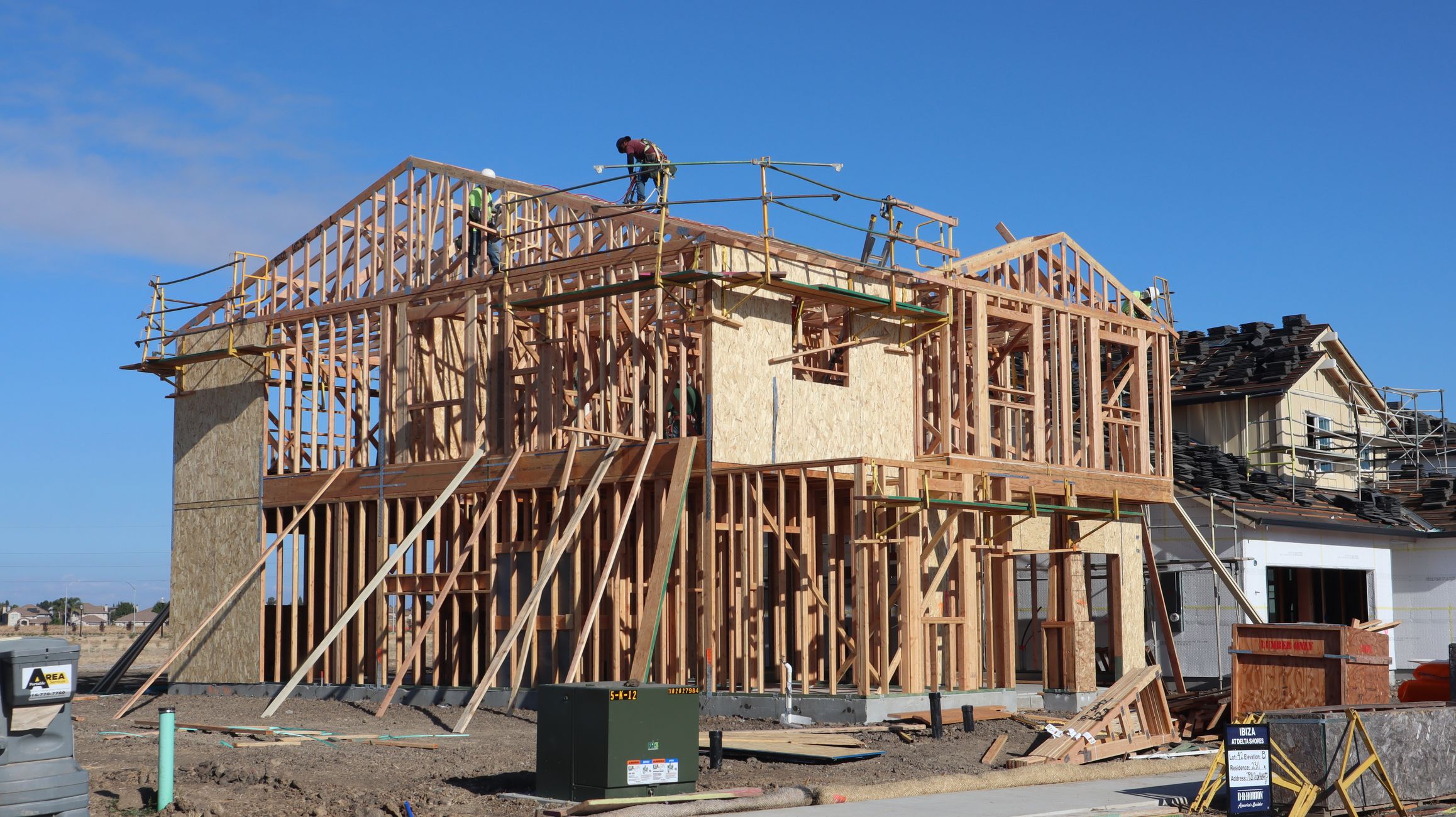
Think about what happened at your business this week. A detailer did a full interior on a car that had a dog in it for a decade. A lawn care crew turned a weedy backyard into a finished patio. A salon did a four hour color correction. A bakery decorated forty dozen cookies for a wedding.
All of that happened in front of nobody. The customer saw the result, but nobody on social media saw any of it.
The work is the content. You are already spending the hours. The only thing missing is a phone pointed at it. That is a strange gap, because the job is the hard part and recording it is the easy part.
Placement Makes Or Breaks The Shot
Where you put the phone matters more than anything else. A good spot shows the entire area that changes, from a fixed angle, without anyone blocking it for long stretches.
Go higher than you think. A phone at eye level gets blocked every time someone walks past. Put it up high, on a tall tripod, a ladder, a shelf, or a clamp on a door frame, and angle it down. A painter can clamp it to the top of a doorway. A roofer can set it up across the street, aimed at the whole roofline. A detailer can mount it overhead looking down into the car.
Keep the full workspace in frame from the first second. If the finished project spills outside the shot, the payoff gets cut off. Before you hit record, picture what the space looks like when you are done, and make sure all of it fits.
Lock it down. A phone that slowly tilts or gets bumped halfway through ruins the effect. Tighten the mount, then tap it once to make sure it holds.
Battery And Storage Are The Two Ways It Fails
The most common time lapse disaster is opening your phone at the end of the day and finding it died at hour two.
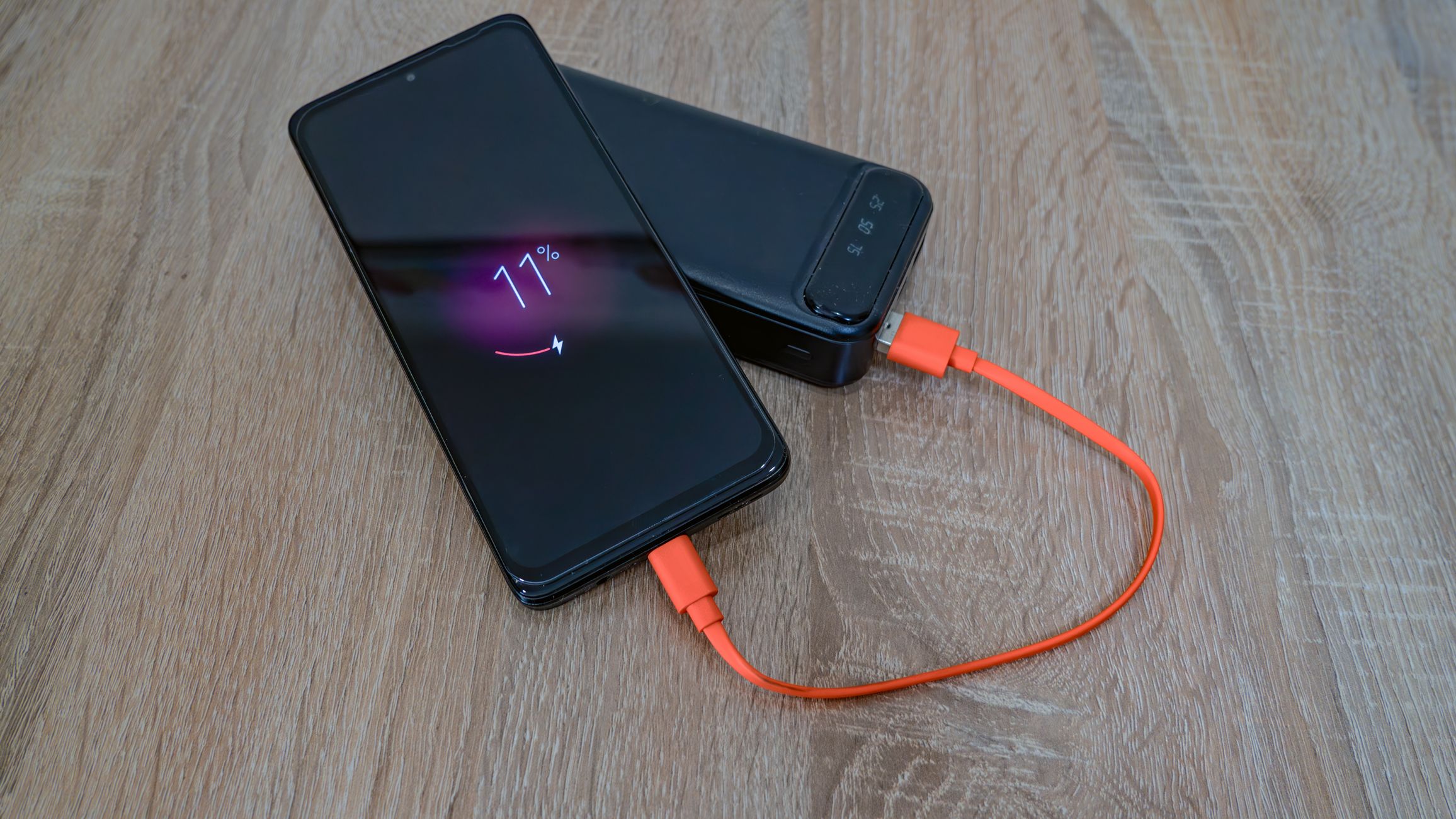
Plug it in. A long extension cord or a portable battery pack in the tripod's reach solves this every time. Treat power like part of the setup, not an afterthought.
Clear space on the phone before you start. Built in time lapse modes are efficient, but a long job on a phone that is already full can still stop recording. Delete old clips or offload them first.
Turn on airplane mode or do not disturb so a phone call does not interrupt the recording. And turn the screen brightness all the way down. It saves battery and keeps the phone from overheating in the sun.
Framing Choices That Make It Look Professional
Shoot vertical. Nearly every platform where these videos perform is built around a vertical screen, and a vertical time lapse fills the whole phone. If the space is wide, like a long fence line or a full house exterior, back up far enough to fit it vertically rather than switching to horizontal.
Lock your exposure if your phone lets you. Lighting changes over a long job, and an auto exposure that keeps adjusting creates flicker. Tap and hold on the screen to lock it before you walk away.
Start recording a little before the work begins and stop a little after it ends. Those few clean seconds of the untouched before and the finished after give the video a clear start and finish. Then add one line of text at the top, like "eight hours, one bathroom," and the viewer knows exactly what they are about to watch.
How Time Lapses Play Out On Each Platform
One time lapse can go everywhere, but each platform wants something slightly different from it.
On TikTok, speed and a strong hook win. Trim the time lapse to fifteen or twenty seconds, put the finished result as the very first frame for a split second, then cut back to the start. Viewers stay to watch it get there. A trending sound underneath helps it travel.
Instagram Reels rewards a clean, satisfying look. Use a calm track, keep the text minimal, and pair it with a caption that names the job and the area you serve. Reels also works well as a two clip carousel with the before and after photos next to it.
YouTube Shorts treats these as pure watch time. Keep them tight and let them loop. On long form YouTube, you can post a longer version, a few minutes with narration over it, explaining each stage of the job. That longer cut pulls in homeowners actively researching a project.
Facebook is where local customers see your work and call. Post the time lapse with your service area and phone number in the caption. Neighbors share these in local groups, especially when they recognize the street.
Reddit loves a good time lapse in the right community. A woodworking build, a full detail, or a renovation posted to a hobby or local subreddit gets real engagement, as long as you skip the sales pitch and let the work speak.
Rumble works best with steady, regular uploads. A clean time lapse with a plain title gets in front of viewers who are not following you anywhere else.
Doing This Across Seven Platforms Is The Real Blocker
Recording the time lapse is easy. You set it up and walk away.
The work comes after. That one clip needs a fifteen second TikTok cut with a hook, a Reels version with a calm track, a looping Short, a narrated long form edit, a Facebook post with your phone number, a Reddit post written for the right community, and a Rumble upload. Seven versions, seven captions, seven uploads, for every job you film.
Do one job a day and that is dozens of uploads a week. No business owner keeps that going by hand. The footage piles up on the phone, a few clips make it to one platform, and the rest never get seen.
When someone else handles the editing and posting, every job you record actually goes out, on every platform, and the only thing you ever did was set up a tripod.
Set Up The Tripod On Your Next Job
Buy a tall tripod or a clamp mount and a long charging cable. Leave them in the truck or behind the counter so they are always there.
On your next job, before anyone picks up a tool, find a high angle that shows the whole space, plug in the phone, lock it down, and start recording. Then forget about it and do the work you were going to do anyway.
At the end of the day, you will have a video that shows exactly what you do, without ever stepping in front of the camera.
