
Your Video Thumbnails Are Blurry Frames Of You Mid Sentence
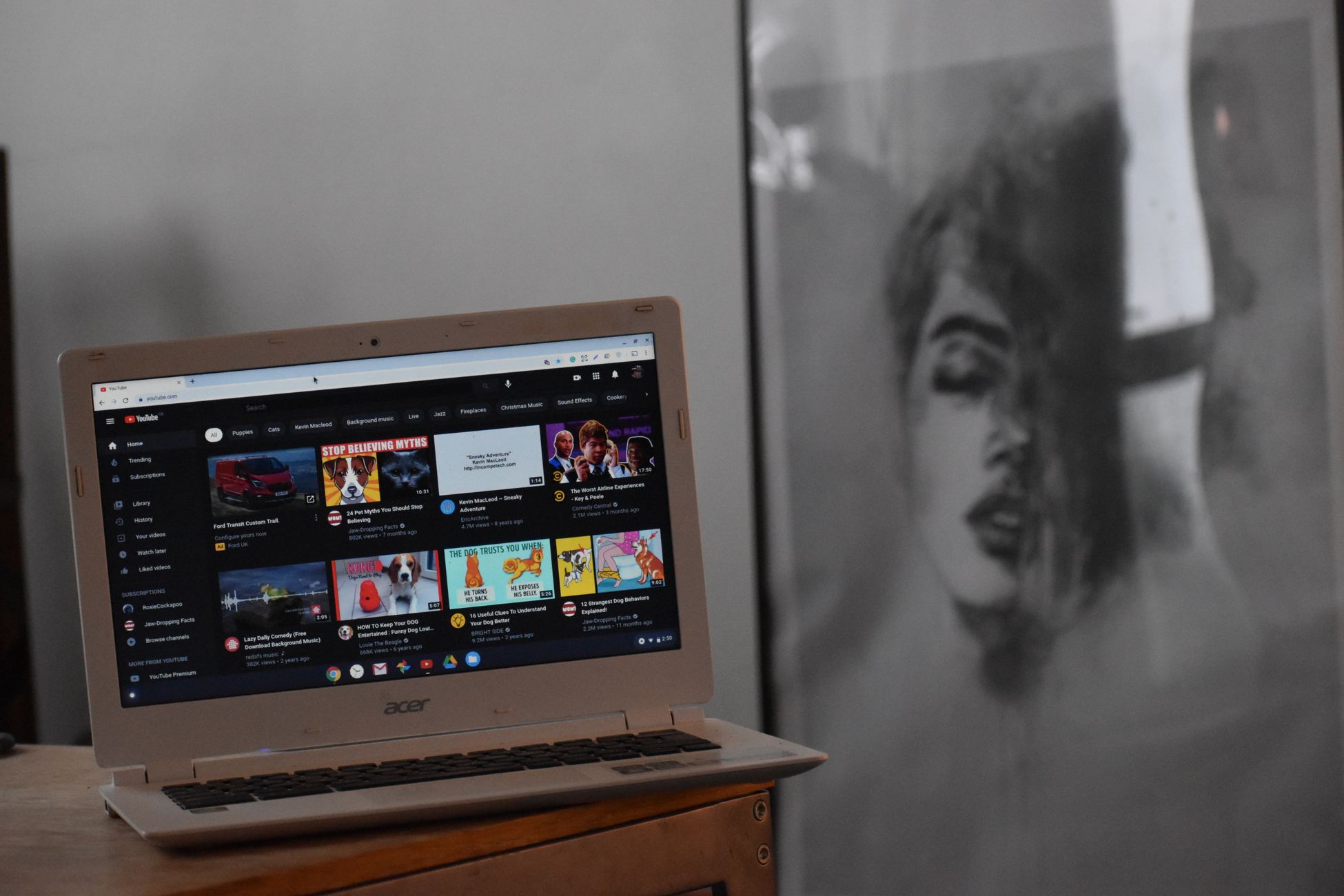
Pull up your profile on any platform and look at the grid. Not the videos, just the little pictures that sit in front of them. Count how many show you with your mouth half open, eyes half closed, caught between two words. Count how many are blurry because the frame came from the middle of a camera move.
That is what a stranger sees before they decide whether to watch you. Not your expertise, not your before and after, not the finished deck. A smeared still of you saying "um."
You put real work into the video. The cover is the one piece that decides whether anybody sees that work, and most business owners let the app pick it at random.
Nobody Watches A Video They Never Clicked
On a lot of surfaces, your video does not autoplay. It sits as a small picture next to a dozen other small pictures. YouTube search results, suggested videos, your Reels grid, your TikTok profile, the videos tab on your Facebook page. In every one of those spots, the cover is the whole pitch.
A viewer scanning those pictures makes a decision in a blink. They are not reading your title carefully or weighing your credentials. They see a clear, interesting image and tap, or they see a muddy frame and keep moving.
That means a great video with a bad cover loses to an average video with a good one. The better roofer, the better stylist, or the better detailer does not win the click. The better picture does.
What The Auto Picked Frame Usually Looks Like
When you skip choosing a cover, the platform grabs one for you. Sometimes it is the first frame, which is often you reaching for the record button. Sometimes it is a frame from somewhere in the middle, chosen by software that has no idea what your video is about.
The results are predictable. A contractor's cover shows a wall of drywall dust with no finished room in sight. A baker's cover shows her hand, slightly out of focus, halfway into a mixing bowl. A dentist's cover shows the back of an assistant's head. A gym owner's cover shows him mid blink, halfway through explaining a squat.
None of those tell the viewer what the video is or why they should care. They just look like a mistake, and people do not tap on mistakes.
A Cover Is A Promise About The Video
A good cover answers one question for the viewer before they commit: what am I going to get if I tap this?
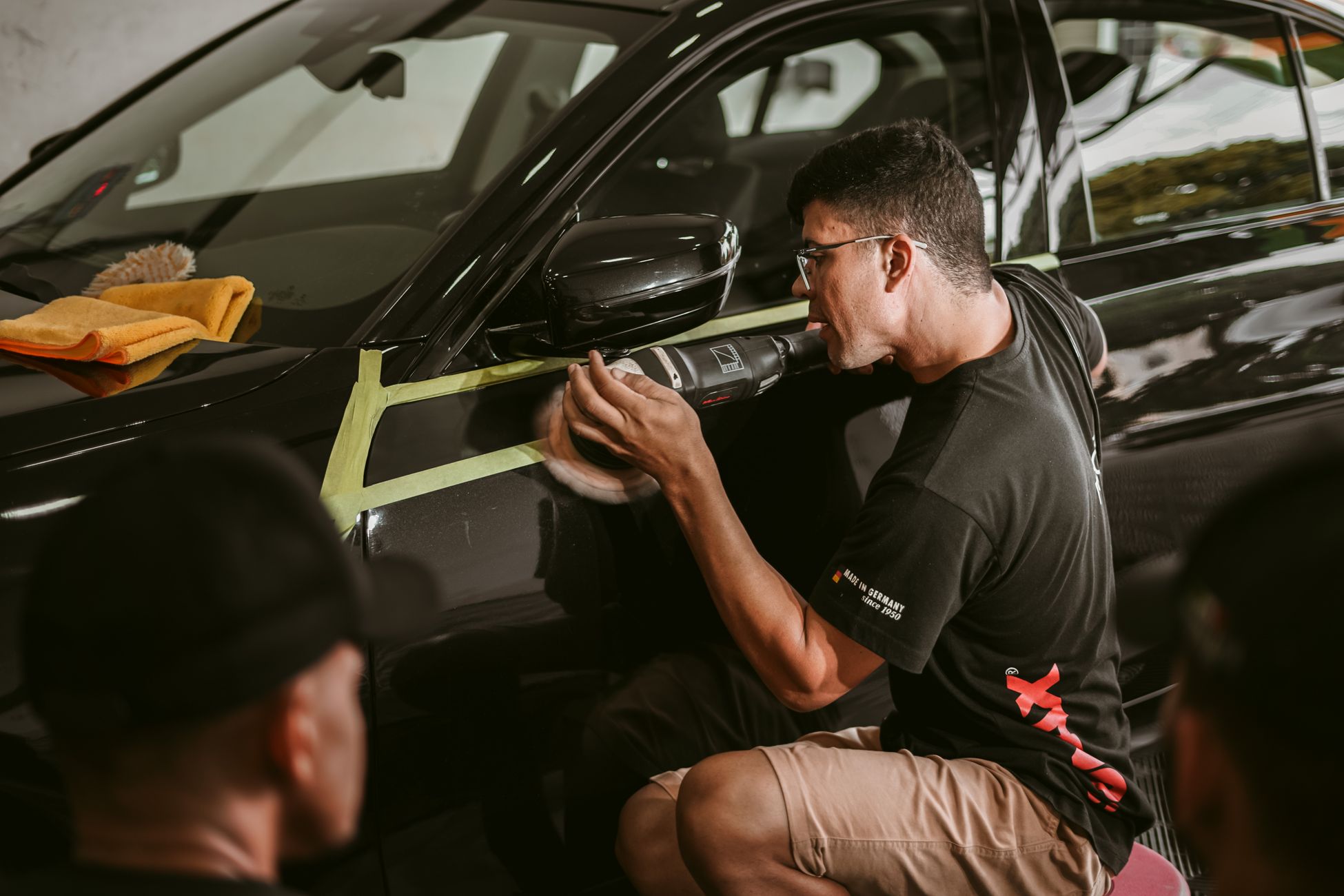
For a detailer, the answer is a paint finish so glossy it reflects the sky. For a landscaper, it is the overgrown yard on one side and the clean one on the other. For a salon, it is the finished color under good light. For a plumber, it might be the disgusting thing pulled out of a drain, because people absolutely will click on that.
The cover should show the payoff, not the process. Your video can start with the messy beginning, but the cover should hint at the end. People click to see how you got there.
What Makes A Cover Actually Work
A cover that works has one clear subject. Not a cluttered room, not three people in the background, not a wide shot of the whole job site. One thing, big enough to recognize at the size of a postage stamp.
If there is a face, it should have a real expression. Surprised, proud, laughing, or pointing at the result. A neutral face caught mid word reads as nothing. A face reacting to something makes people want to see what they are reacting to.
If there is text, keep it to a few words and make them huge. "Before and after," "two hour fix," "never do this." Small text turns into gray static on a phone screen. Use strong contrast so the words do not disappear into the background, and keep them away from the edges where the platforms crop.
Good light beats everything. A sharp, well lit frame of an ordinary subject outperforms a dark, grainy frame of an amazing one, because the viewer cannot see what is amazing about it.
Every Platform Shows Your Cover Differently
This is where it gets messy, because the same cover does not work everywhere.
On YouTube long form, the thumbnail is a wide horizontal image competing in search results and in the suggested column beside other videos. You can upload a custom one, and you should, every time. This is the most cover-driven platform there is, and people browse it by scanning thumbnails.
YouTube Shorts mostly plays in a vertical feed, but Shorts also show up as covers on your channel page and in shelves. A vertical frame with your subject centered holds up best there.
Instagram Reels covers live on your profile grid, and the grid crops your vertical cover into a shorter rectangle. Text near the top or bottom gets cut off. Many businesses also want the grid to look tidy as a whole, so consistent covers matter more here than anywhere else.
On TikTok, you choose a cover frame and can add text over it. Your profile grid is basically a menu, and a new visitor decides which video to watch by scanning those covers. Clear text labels turn your profile into something people can actually browse.
Facebook shows video thumbnails in the feed and on your page's videos tab, and you can upload a custom image. The local crowd there responds to plain, honest pictures of real work, like the actual kitchen you redid or the actual car you cleaned.
Reddit usually generates the preview itself, so the opening frame of your video carries more weight. Start with a strong, clear image instead of a slow fade in.
Rumble works a lot like YouTube, with a horizontal thumbnail in search and browse pages. Upload a custom cover so you are not stuck with whatever frame it grabbed.
Plan The Cover Before You Film
The easiest way to get a good cover is to shoot one on purpose. Before you start recording, think about what the cover should show, then take a still photo of it while you are on site.
The finished bathroom with the lights on. The full tray of fresh croissants. The truck backed up next to the new driveway. Your face next to the giant pothole you are about to fix. Take it in good light, hold the phone steady, and you have a cover that beats any frame you could pull from the video.
Then crop it twice, once horizontal for YouTube, Facebook, and Rumble, and once vertical for TikTok, Reels, and Shorts. Add short text where the platform allows it. The extra five minutes on site saves you from scrolling through footage later looking for a frame that is not blurry.
Seven Covers Per Video Is The Real Grind
Here is the problem nobody mentions. One video now needs a horizontal custom thumbnail for YouTube, another for Rumble, an uploaded image for Facebook, a cover frame with text on TikTok, a grid-safe cover on Reels, a centered frame for Shorts, and a strong opening frame for Reddit.
That is seven different uploads with seven different crop rules and seven different places to click. Most owners do it right for a week, then go back to letting the apps pick, because the posting alone already takes half a day.
That is how a profile full of good work ends up looking like a collection of blurry accidents. The cover was not hard. Doing it seven times for every video, on top of running the business, is what breaks.
When the posting and the platform specific details are handled for you, every video goes out with the right cover in the right shape on every platform, and you stay focused on the work you are filming.
Fix Your Last Ten Covers
This week, go back through your last ten videos on whichever platform matters most to you. Swap every blurry, mid sentence frame for a clean one that shows the result. YouTube and Facebook both let you swap a cover after posting, and old videos keep getting found.
Then, starting with the next job, shoot the cover photo on site before you leave. One clear subject, good light, a few big words if the platform allows them.
Your videos already show people that you are good at what you do. Give them a reason to tap and find out.
