
How to Turn One Filming Day Into a Month of Content Across Every Platform
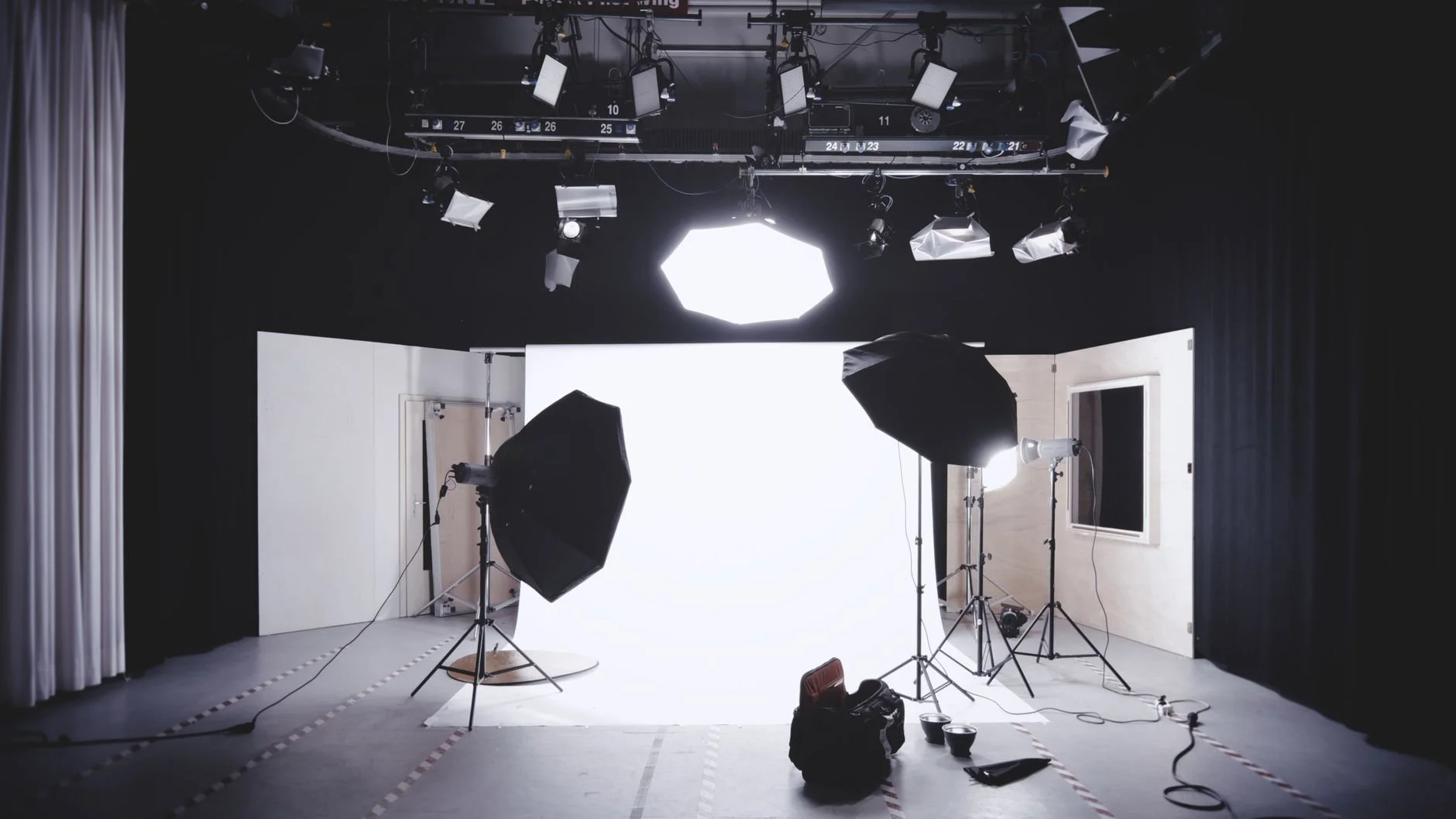
Most creators film when they feel like it. They open the camera, talk for a bit, post the result, and then do the whole thing again two days later when the panic sets in. That approach burns you out and it produces nothing you can build on. The operators who actually keep up with a full posting schedule across seven platforms are not filming more often than you. They are filming less often and getting more out of it. One focused day in front of the camera, planned the right way, can hand you four to six weeks of posts.
This is a production and distribution system, not a motivational pep talk. You set a topic plan, you run one batch shoot, you cut the footage into native pieces for each platform, and you load those pieces onto a calendar that posts everywhere your audience lives. Done right, you stop touching the camera for a month and your feed never goes quiet. See how Multipost Digital runs this system end to end.
The reason this works is simple. The expensive part of content is not the posting. It is the setup, the lighting, getting dressed, getting in the right headspace, and overcoming the friction of starting. When you only film once, you pay that cost one time and spread it across dozens of posts. So let's walk through how to actually build the day, step by step.
Step One: Plan the Topics Before You Touch the Camera
The single biggest mistake people make on a batch day is showing up with no plan and trying to think of things to say on the spot. That kills your energy fast. Before filming, build a topic list. The fastest way to do this is to work in buckets.
Pick four or five content buckets that your audience cares about. For a fitness coach that might be form corrections, nutrition myths, client wins, mindset, and quick workouts. For a contractor it might be before and afters, common mistakes homeowners make, material breakdowns, cost questions, and behind the scenes. Whatever your niche, four or five buckets covers everything you need.
Now fill each bucket with five to eight specific topics. A bucket called nutrition myths becomes "you don't need six meals a day," "carbs at night are fine," "protein timing barely matters," and so on. By the time you finish, you have a shot list of roughly thirty topics. That is your filming script for the day. You are no longer improvising. You are working down a list, and that single change is what makes a long shoot possible.
Step Two: Build a Shot List That Saves Editing Time Later
A shot list is not just topics. It is also the format of each shot. Decide in advance which pieces are talking-head clips, which need a demonstration, which need you walking and talking, and which are screen recordings or product shots. Group them.
Film all your talking-head clips back to back in the same setup. Then switch to demonstrations. Then do your B-roll in one pass. Batching by format means you are not constantly resetting your lighting, your framing, or your props. You set up once per format and run through every clip that needs it. This is the part most people skip, and it is the part that cuts your filming time in half.
While you film, leave a clean second of silence at the start and end of every clip. That tiny habit makes the editing trivial later because every clip has a clean cut point. You are filming with the edit in mind, which is exactly how a system should work.
Step Three: Run the Batch Shoot Like a Production, Not a Vibe
On the day, treat it like work. Block three to four hours. Have your shot list printed or on a second screen. Film every topic as a standalone vertical clip first, because vertical is the format that feeds TikTok, Instagram Reels, YouTube Shorts, and Facebook Reels all at once. Keep each clip tight, one idea per clip, hook in the first two seconds.
If you have a longer-form platform in your plan, like YouTube or Rumble, film a couple of longer pieces too. The smart move is to record one long video where you cover several related topics in sequence. That single long video becomes a YouTube upload on its own, and it also becomes the source for a handful of short clips when you slice out the strong moments. One recording, two jobs.
Do not stop to review every take. Keep moving. You will fix things in the edit. Momentum is the whole point of a batch day, and stopping to critique each clip kills it.
Step Four: Slice the Footage Into Native Pieces
Here is where one day becomes a month. After the shoot, you have around thirty short vertical clips and maybe two longer videos. Now you cut them up.
Each vertical clip is already a TikTok, an Instagram Reel, a YouTube Short, and a Facebook Reel. That is one clip serving four platforms with no extra filming. Each long video is a YouTube post and a Rumble post, and the best ninety seconds inside it become two or three more short clips. The transcript of a long video becomes a written post for Reddit or a text caption that carries the same point.
Get help turning raw footage into platform-ready posts
The key word is native. A clip should not look copied from somewhere else. Trim it to the right length, add captions sized for the platform, and write a caption that fits how people talk there. A Reddit post reads differently than an Instagram caption. The footage is the same, the packaging changes. Thirty clips packaged natively across six or seven platforms is well over a hundred individual posts from a single afternoon.
Step Five: Load Everything Onto a Posting Calendar
A pile of clips does nothing sitting in a folder. The last step is routing them across a calendar so they go out steadily instead of all at once.
Spread your thirty short clips across the month. If you post once a day, that is a clip every day for a month with room to spare. Stagger the same clip across platforms so you are not dumping identical content everywhere on the same hour. Post a clip on TikTok and Reels on Monday, then push the same clip to YouTube Shorts and Facebook later in the week. Drop your long videos on YouTube and Rumble on a weekly cadence. Slot your written versions into Reddit when the timing fits the community.
Now your calendar is full for four to six weeks, and you have not opened the camera since the shoot. That is the entire promise of batch filming. You bought yourself a month of presence in a single day, and you freed up the rest of the month to actually run your business.
Step Six: Let the Distribution Run Without You
The plan above is sound, but loading a hundred plus posts across seven platforms by hand will eat your week and undo everything you saved. This is the exact point where the system either scales or collapses. Filming once is the hard part you control. Distributing everywhere is the repetitive part you should hand off.
That is what Multipost Digital does. You film your batch day, and we take the footage and post it natively across 7+ platforms including TikTok, YouTube, Instagram Reels, Facebook, Rumble, and Reddit, on a schedule, formatted for each one. You stay in your zone of creating, and your content shows up everywhere your audience actually is. The reach compounds because the same idea hits people on the platforms they each prefer, and they start seeing you in more than one place, which is what builds real recognition.
Run the math on it. One filming day, thirty clips, six or seven platforms, a full month of daily posting, and almost none of your time spent after the shoot. That is not working harder. That is building a system that turns a few hours of effort into weeks of growth.
Start turning one filming day into a month of multi-platform content with Multipost Digital
